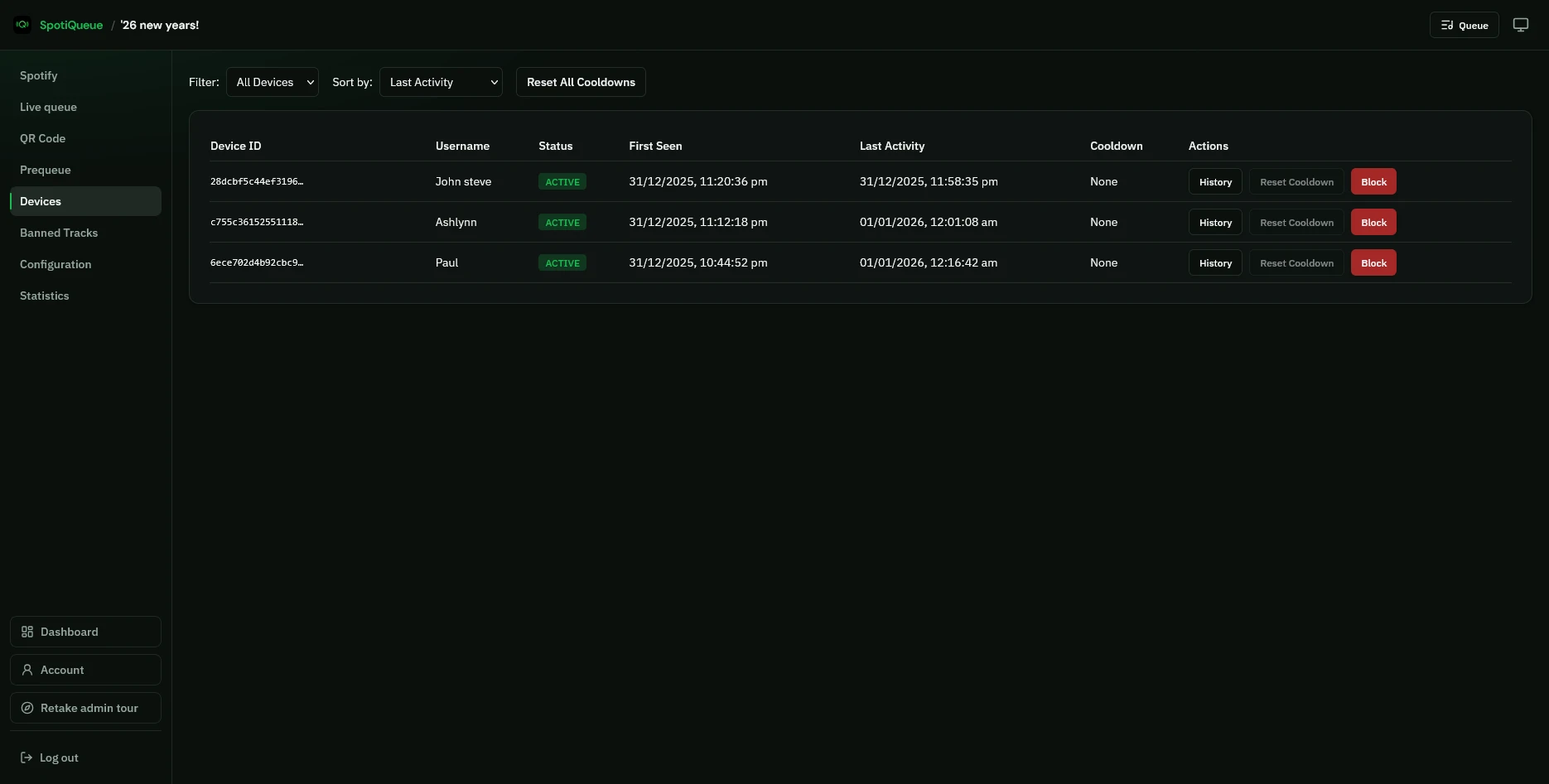
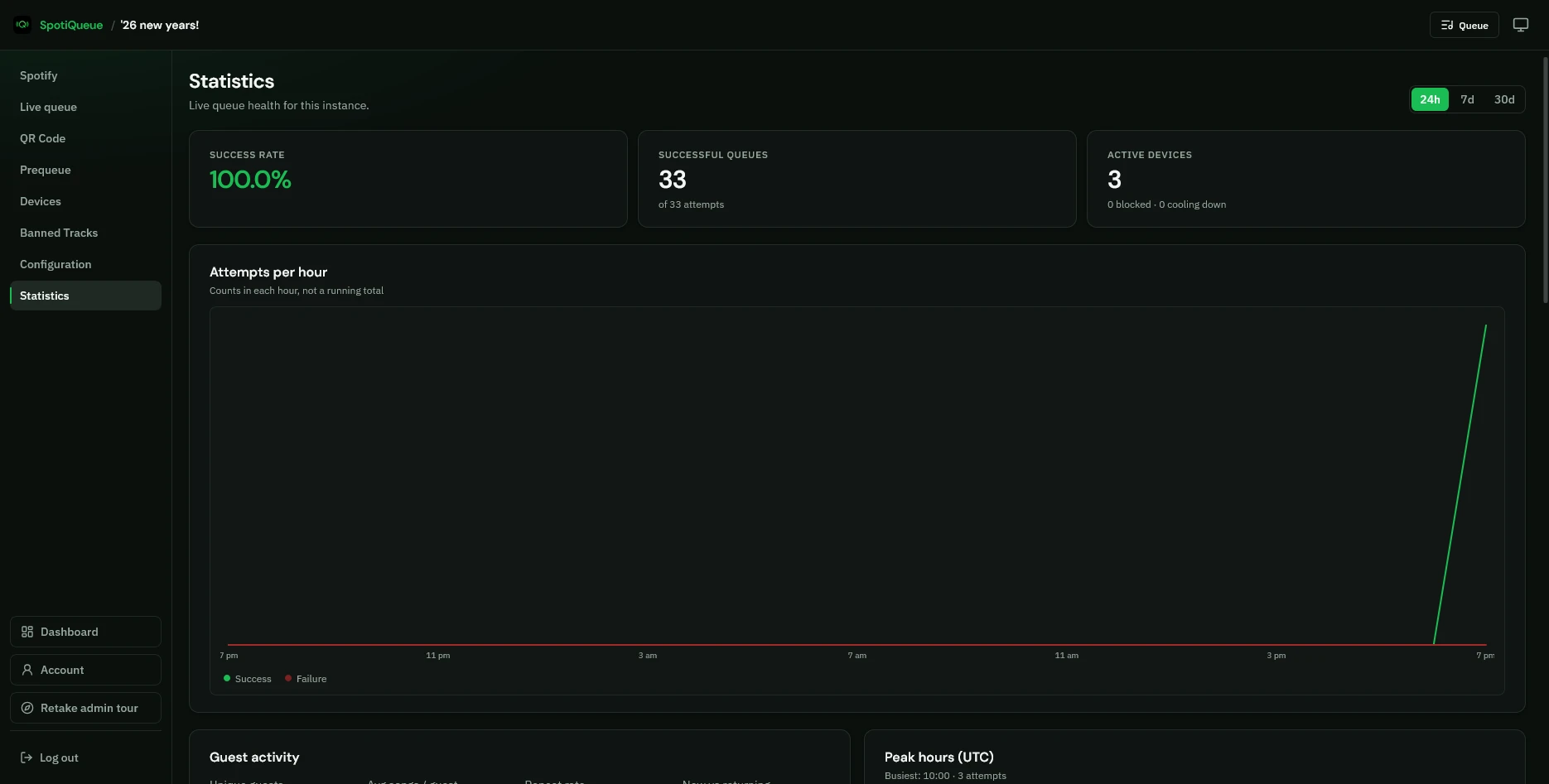
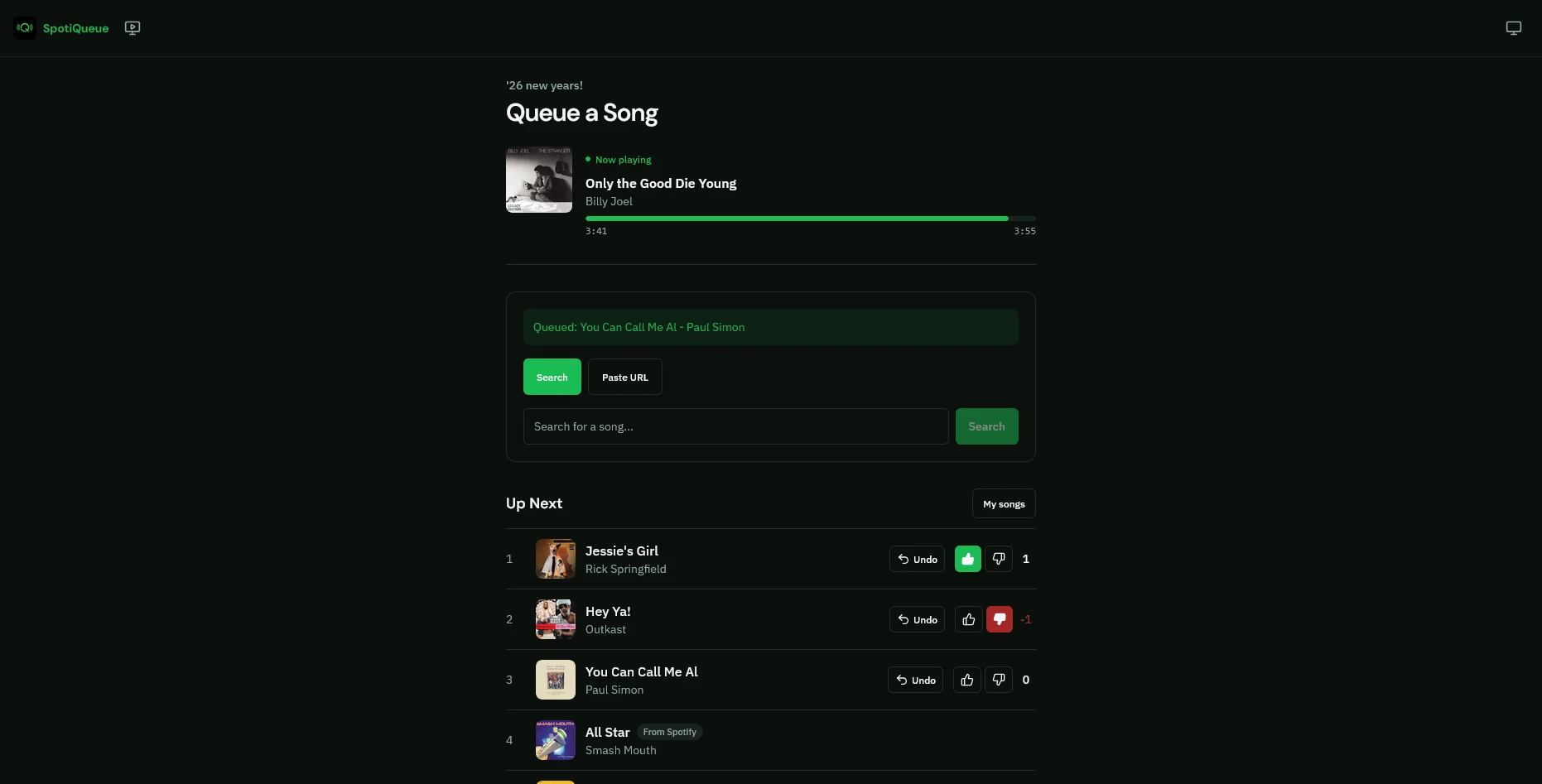
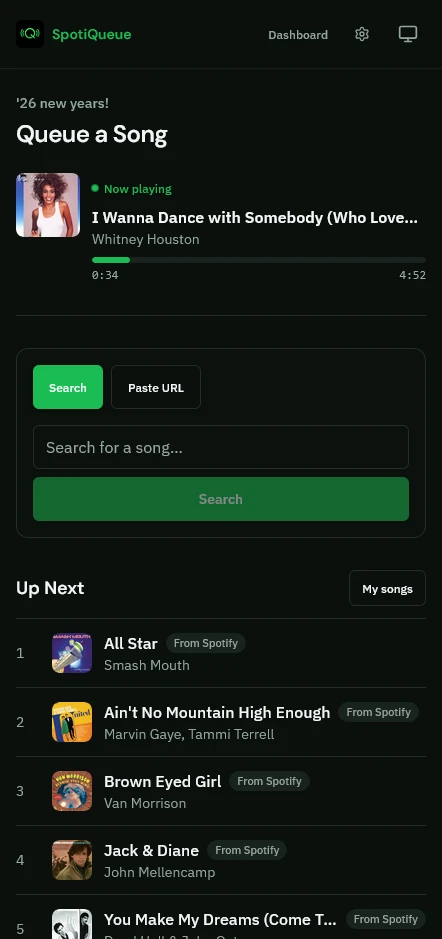
SpotiQueue product gallery: screenshots of the guest queue, instance admin, TV display, and host dashboard.

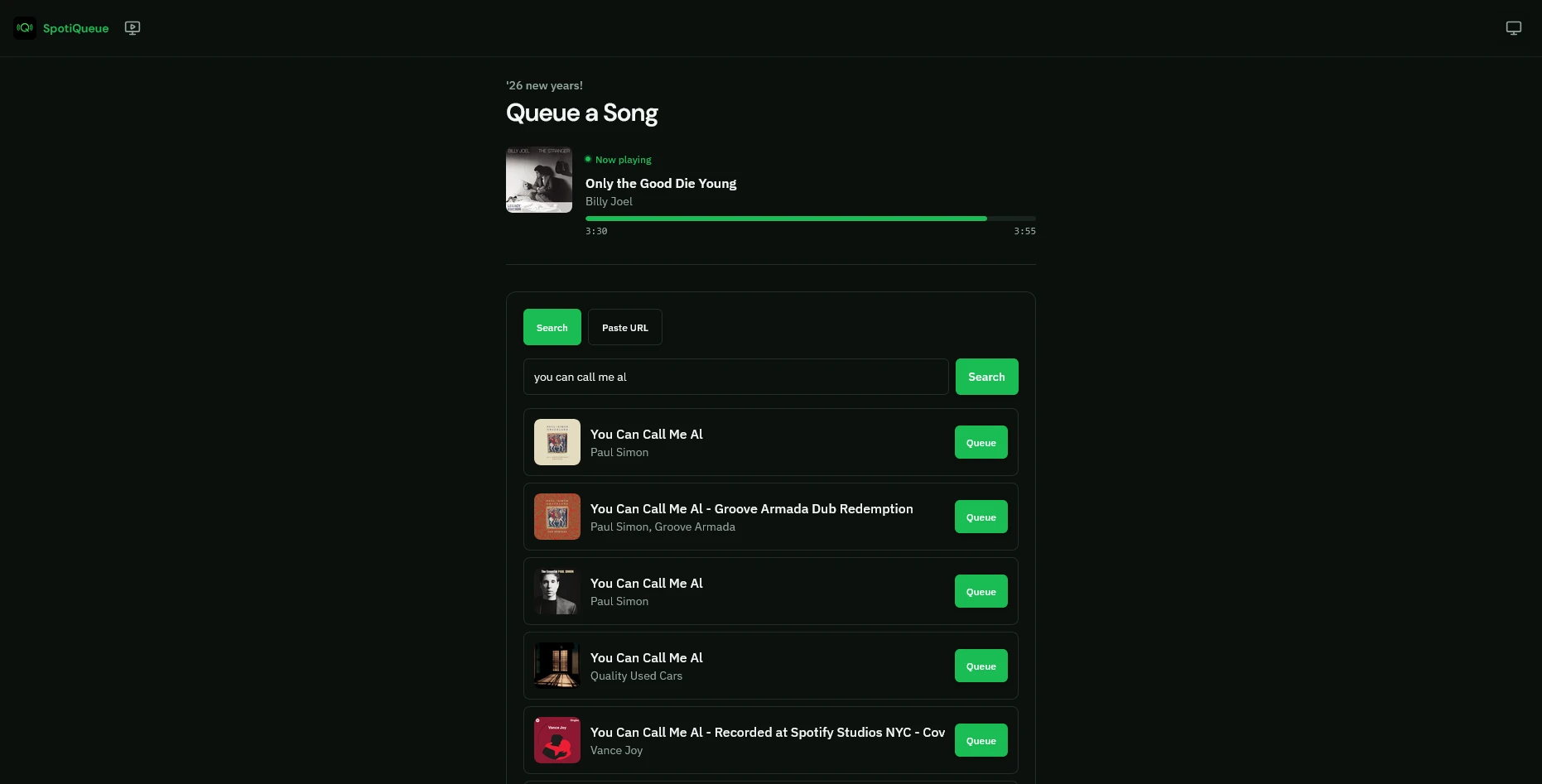
Guests open the queue page to see now playing and request the next song.
The guest queue on a phone, with search and the up-next list.
Search Spotify and pick a track to add to the party queue.
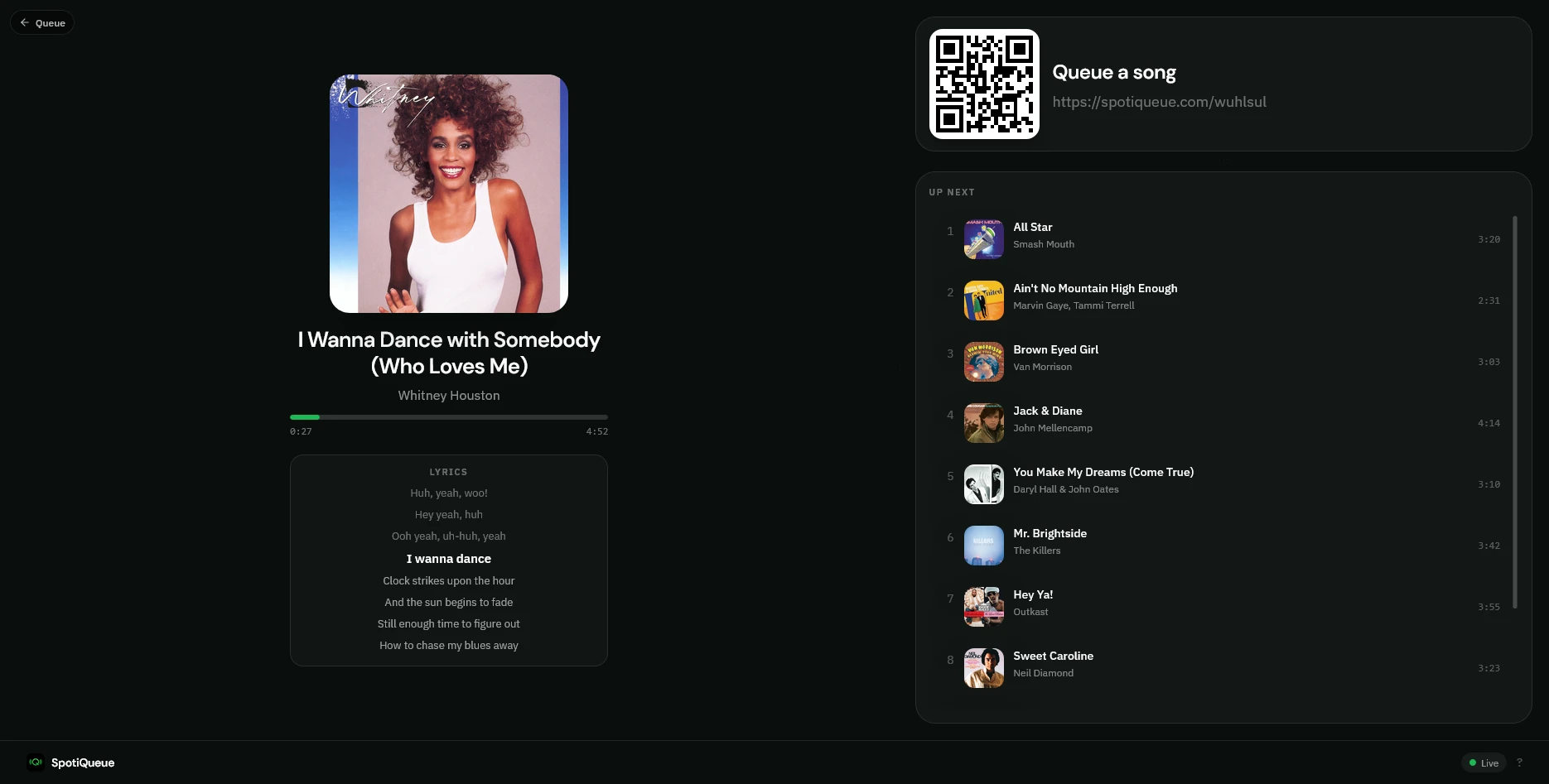
Put now playing, up next, and a join QR on the room TV.
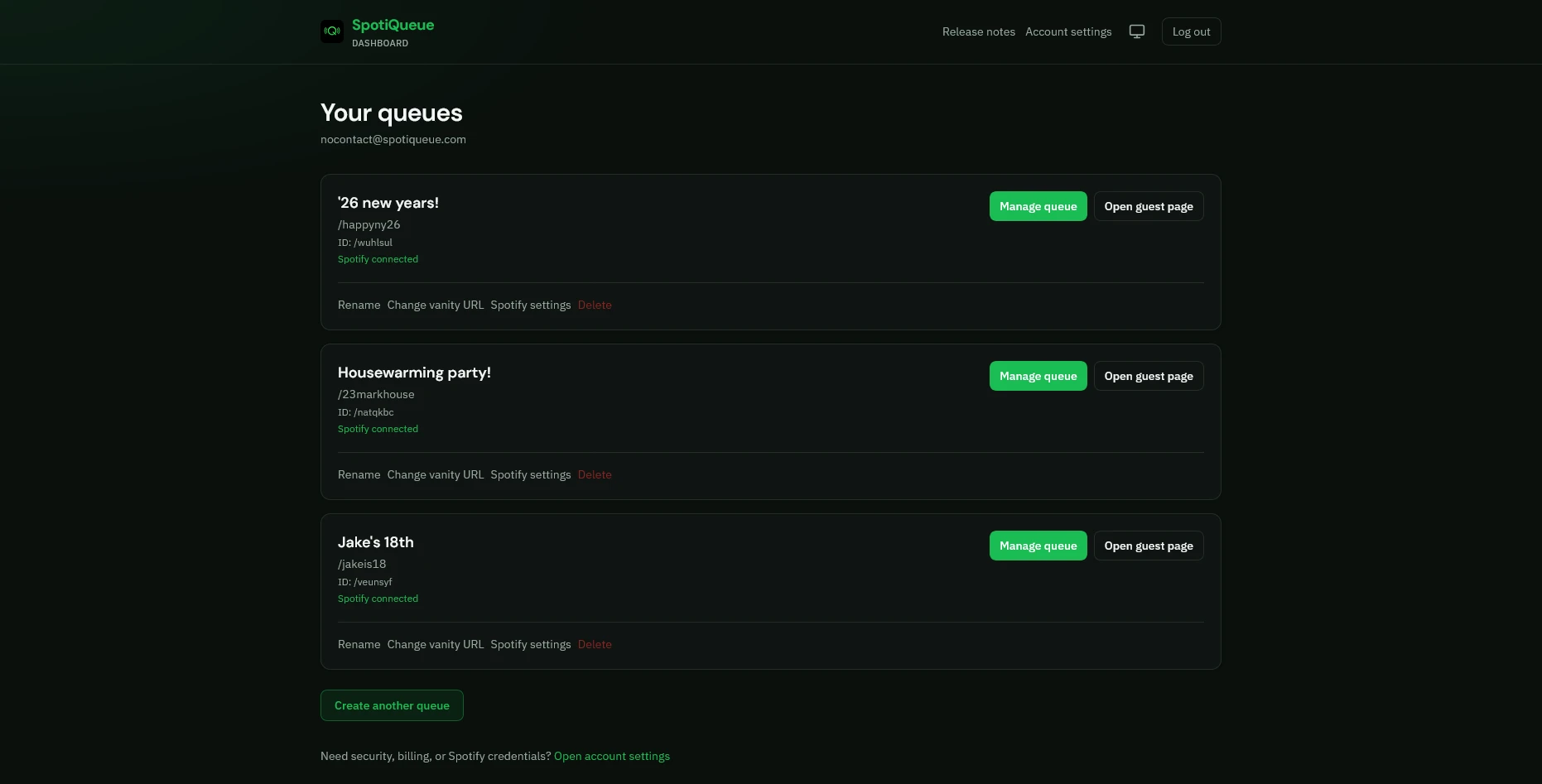
Your host dashboard lists the queues you run and opens admin or the guest page.
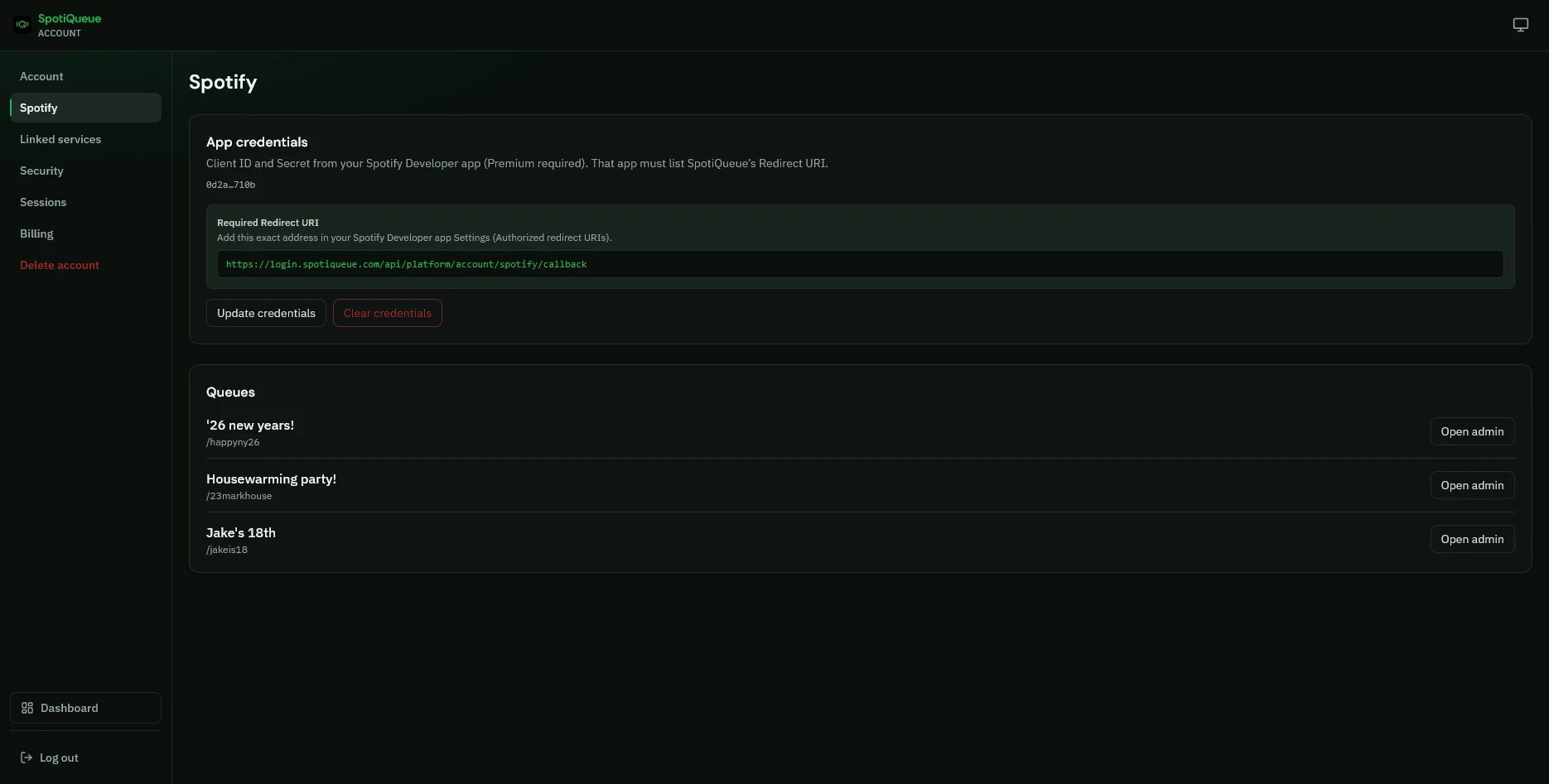
Connect your Spotify Developer app so SpotiQueue can control playback.
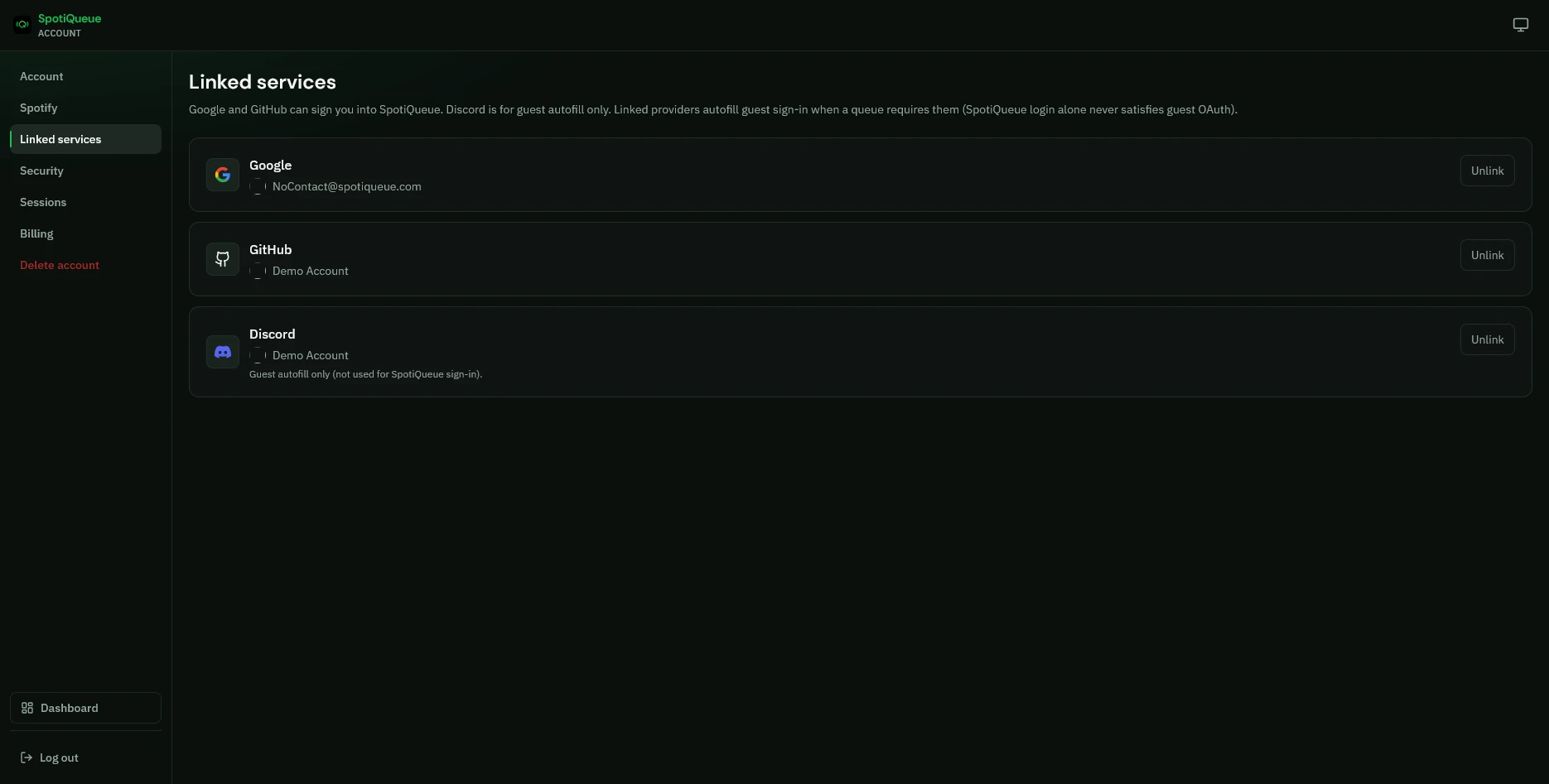
Link Google, GitHub, or Discord for faster guest sign-in on queues that require it.
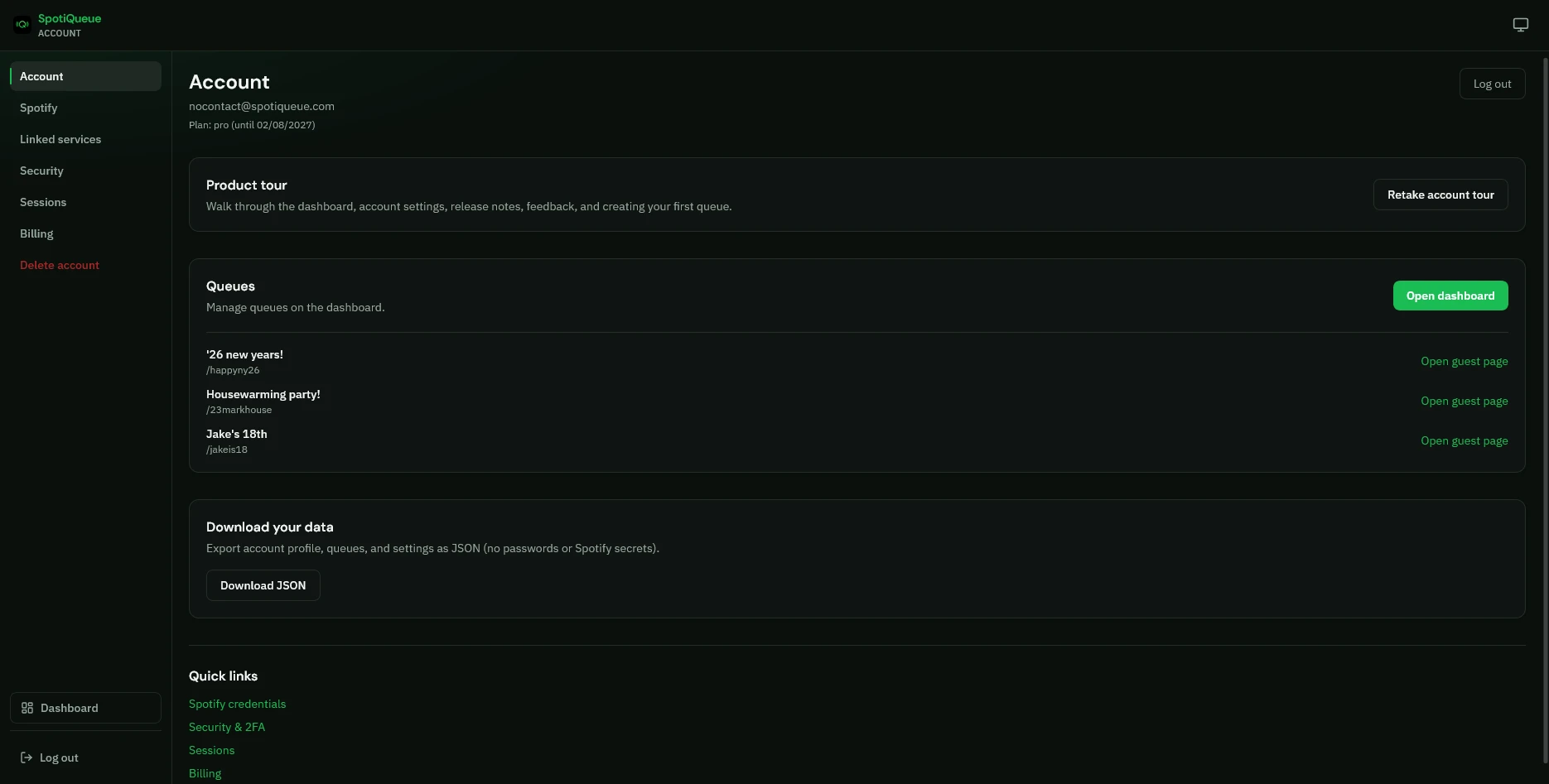
Review your plan, profile, and account options in one place.
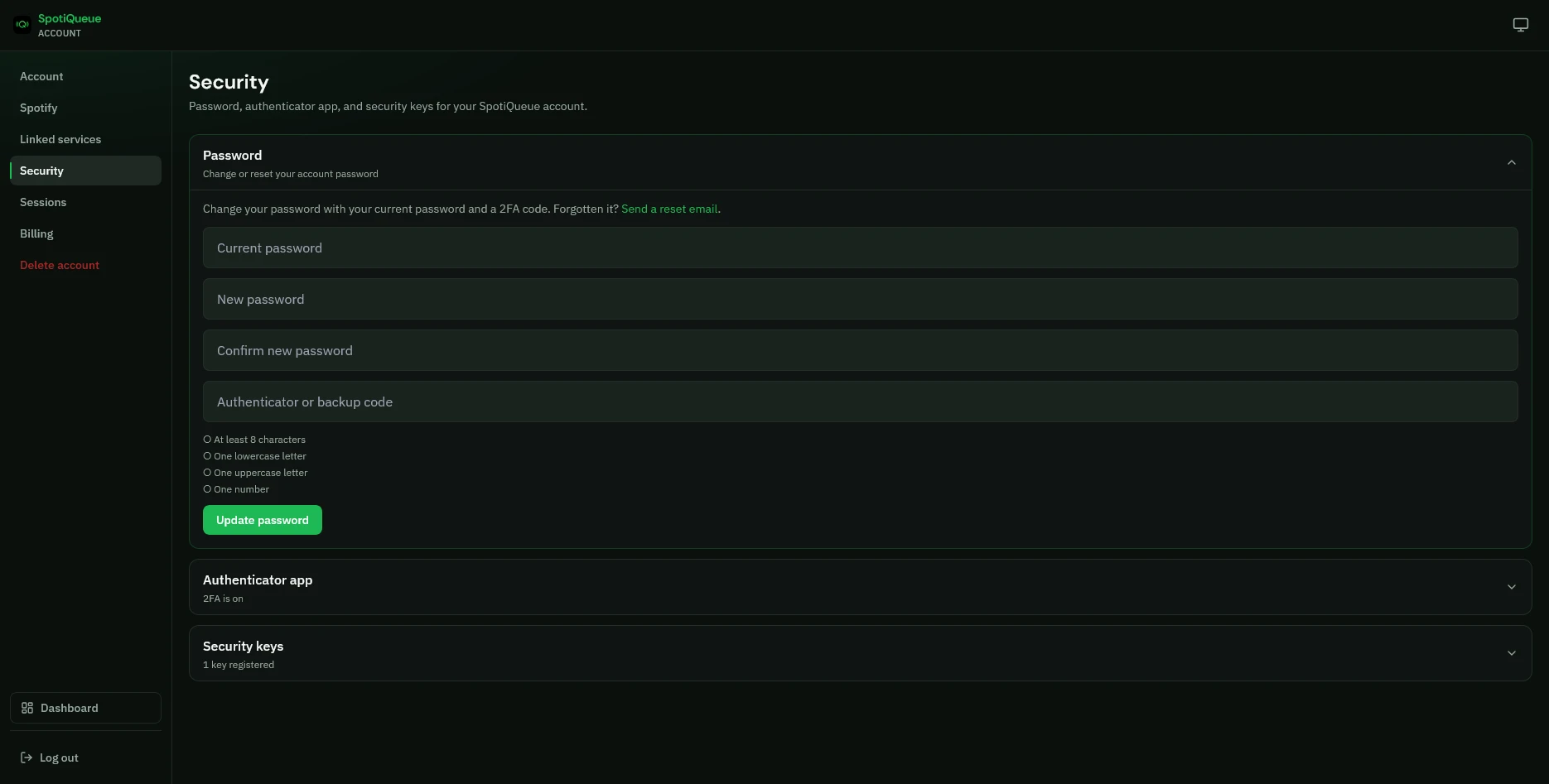
Set a password, turn on two-factor auth, or register a passkey.
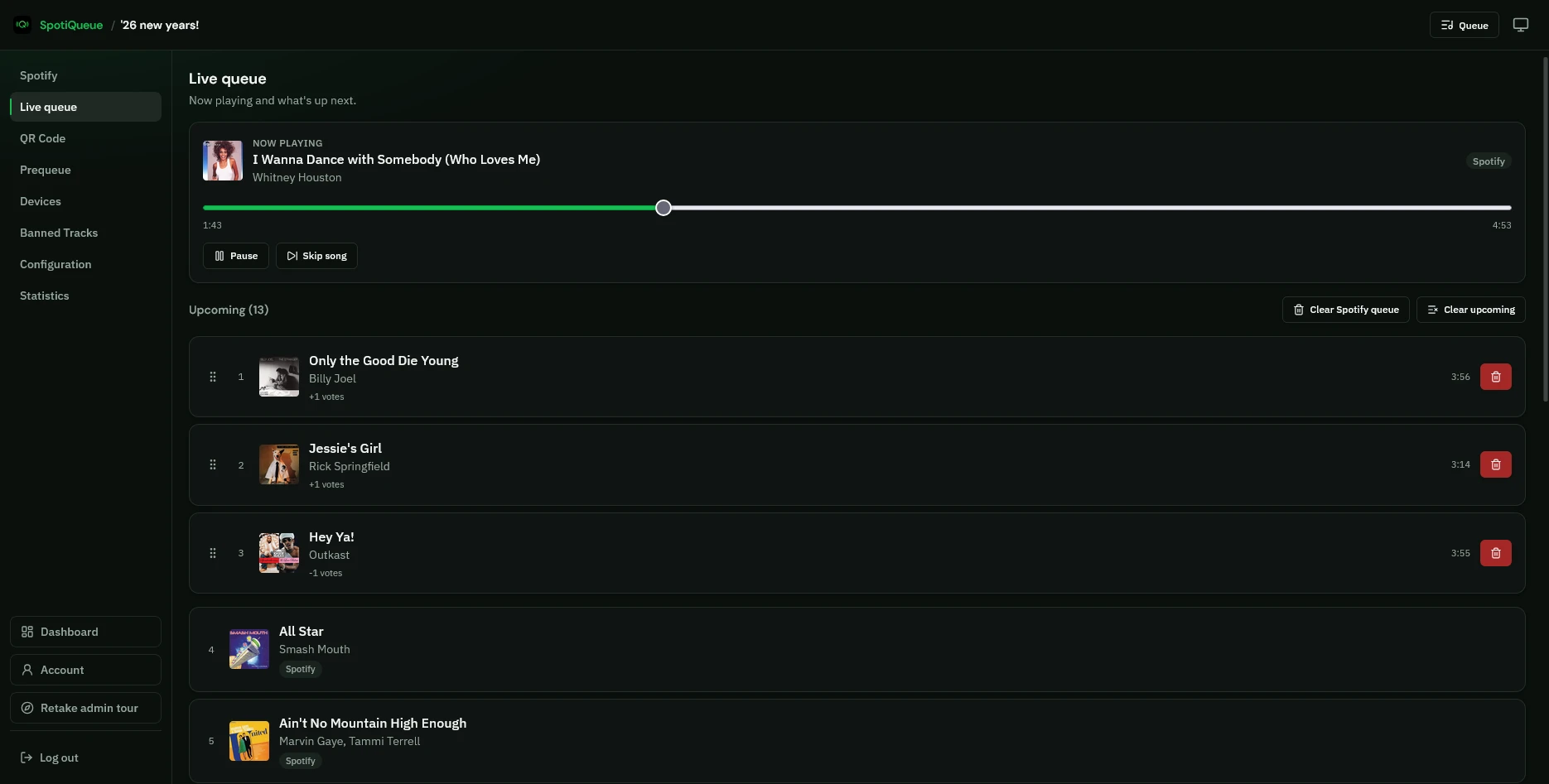
Moderate the live queue, skip tracks, and reorder what plays next.
See who has joined and manage guest devices from instance admin.
View usage analytics on the Admin Analytics page.

Gallery

Product gallery

Screenshots of SpotiQueue in use: guest queue, instance admin, big-screen display, and host dashboard.
Try it yourself

Open the live demo queue or sign up free and connect your Spotify account.